
As someone who plays a lot of mobile games here in the UK, I’ve gotten fed up of watching my phone’s battery percentage plummet while playing. We all want good entertainment on the go, but nobody enjoys to be hunting for a charger before noon. That’s why I decided to run my own tests on one of my regular haunts, Gambloria Casino. For several weeks, I put its battery efficiency under the microscope, stacking it up against my normal phone use and other popular apps. I monitored everything from background activity and graphics to data use and how warm my phone got. I needed hard facts, not just a gut feeling. The question was simple: for UK players, how easy is Gambloria Casino on your battery, and what can you do to squeeze out more playtime? What I uncovered was actually useful, and I believe any mobile gamer will find it interesting.
The Methodology for Measuring Battery Drain
Let me explain how I ran my tests, so you understand exactly what I did. I used two phones that are pretty common in the UK: an iPhone 13 and a mid-range Samsung Galaxy A54. I ensured both had sound batteries and were fully charged to start. I quit every other app, locked the screen brightness at 50%, and linked to a reliable Wi-Fi network to avoid the extra drain from mobile data. My testing happened in one-hour blocks. During each, I’d play a mix of games on Gambloria Casino—from flashy video slots to more basic table games like blackjack—and carefully record the battery percentage before and after. I depended on the built-in battery monitors in iOS and Android to see exactly how much power the Gambloria app itself was using. For a baseline, I ran the same one-hour tests with other activities: streaming HD video on YouTube, scrolling through Instagram and X, and playing a popular, graphics-heavy mobile game from a big publisher.
Initial Findings: How Gambloria Stacks Up
The first round of tests offered a nice surprise. Gambloria Casino consumed battery power better than that standalone, graphics-heavy game. In many cases, it was about the same or marginally better than endlessly scrolling through social media. On average, an hour of playing on Gambloria drained between 12% and 18% of my test phones’ batteries. The standalone game, by contrast, consistently took 20% to 25%. Social media browsing consumed 14% to 19%. Streaming video was the most consistent, coming in at 15%. This positions Gambloria squarely in the „moderate“ zone for battery use, which is quite decent for a real-time app with good visuals and sound. It seems the developers have performed some effective optimisation work. The Android phone displayed a tiny bit higher drain, probably due to its broader OS and background services, but the difference was under 3% per hour—not something the average user would ever notice.
- Comparative Hourly Drain: Gambloria (12-18%), HD Video Stream (15%), Social Media (14-19%), High-End Mobile Game (20-25%).
- Device Variance: iOS showed slightly better efficiency, but the gap was minimal under regulated Wi-Fi conditions.
- Game Type Impact: Straightforward card games like blackjack consumed lower energy (around 10-12%) than elaborate, animation-heavy video slots (16-18%).
Thermal Output and Its Impact on Efficiency
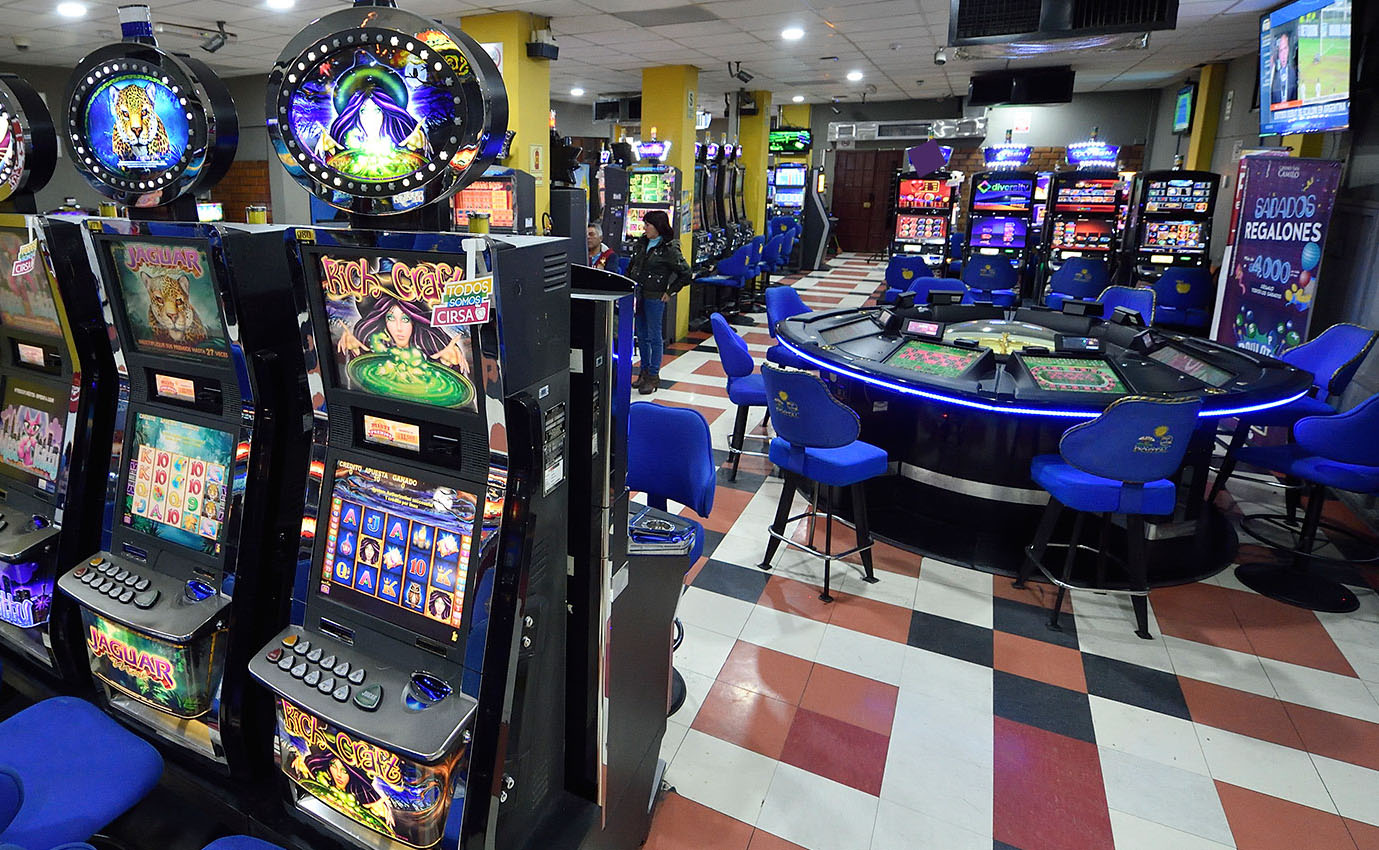
A warm phone is not merely annoying to hold. It’s a sign of low efficiency and can actually result in more battery drain and diminished performance. During my one-hour tests, I employed a standard infrared thermometer to check the back of my phones. Playing graphic-heavy slots on Gambloria generated a noticeable temperature increase, about 5-7°C above the phone’s idle temperature. That’s akin to the heat from streaming video. The standalone mobile game was worse, causing an 8-10°C increase. This heat stems from the CPU and GPU working hard. Modern phones are engineered to cope, but if a device gets too hot, it will purposefully reduce the processor to cool off—a mechanism called thermal throttling. That can render the game seem less smooth. You can help managing heat by making sure your phone has some air. Don’t play with it buried in a sofa cushion, and avoid direct sunlight. Maintaining a lower temperature helps sustain both performance and battery efficiency on Gambloria.
Actionable Tips Summary for the UK Player
We’ll pull everything together into a simple checklist you can really use. Applying even a couple of these into practice will make a significant difference to your playtime on a single charge. Concentrate on the screen first for the largest savings. Then manage your connections smartly. Think about your device’s overall state. And finally, think about your charging habits to keep the battery healthy in the long run. It is about smart management, not sacrifice.
- Pre-Session Setup: Terminate background apps, change to Wi-Fi, reduce brightness, and enable your device’s battery saver mode.
- During Play: Avoid covering the device to prevent heat build-up. Consider using headphones if audio is essential, as phone speakers can use more power.
- Post-Session: Charge your phone after it has cooled down, ideally before it drops below 20%. Employ the official Gambloria app over the browser for repeated play.
- Advanced Tip: On some Android devices, you can force the app to use a lower frame rate or resolution via developer options, but this is generally not necessary for most users.
A Deeper Dive: Background Activities and Alerts

I genuinely wanted to test how Gambloria behaves when you’re not actively interacting with it. An app that drains battery in the background is a genuine nuisance. So, I monitored both test phones over complete 24-hour cycles with Gambloria loaded and notifications on, but without launching the app. The results were positive. Gambloria’s background battery use was minimal. On iOS, it frequently didn’t appear on the battery usage list, or was listed as „less than 1%.“ Android showed a equally low figure. That points to sound app hygiene. I did notice that push notifications for promos or deposit alerts, while not significant drains, do turn on the screen and cause a short network connection. If you’re desperate to save every last drop of power, you could modify these notification settings in the app or your phone’s system. But for the majority, the value of the notifications is worth their minor cost. The great news is Gambloria isn’t running in the background, guzzling your battery.
The Main Culprits of Battery Drain in Mobile Gaming
If you wish to control battery life, you should learn what’s eating it up. My testing revealed four main factors during mobile casino play. The screen is the primary drain. A bright screen with a high refresh rate uses power. Next, the processor and graphics chip have to work to spin those slot reels and stream live dealer video. That computational effort produces heat and consumes power. Third, the network connection is a sneaky culprit. Constantly talking to Gambloria’s servers to place bets and update your balance demands a steady data link, and using 4G or 5G is especially taxing. Finally, sound effects and vibrations, while they enhance the experience, chip in their own small but cumulative load. Gambloria, like any decent app, needs to tread carefully between giving you a fun experience and not draining your battery with these features.
Improving Your Device for Lengthier Gambloria Sessions
My experiments showed there are some easy, efficient methods to get more playtime out of your battery on Gambloria Casino. These changes won’t spoil the enjoyment, but they can give you additional time or even longer periods. The single biggest modification you can implement is to adjust your brightness. Reducing the screen brightness has the biggest effect; even going from full to seventy percent makes a massive difference. If your phone has a 60Hz mode or an dynamic refresh rate, select that instead a high 120Hz option. Then, consider your network settings. When you can, change from 4G/5G to a reliable Wi-Fi network, as Wi-Fi is far more efficient for extended data sessions. Furthermore, remember deactivating Bluetooth and GPS if you aren’t actively using them, since those modules are constantly searching.
- Reduce your screen light level and activate auto-brightness for optimal performance.
- Change to a stable Wi-Fi signal instead of 4G/5G.
- Enable „Low Power Mode“ (iOS) or „Battery Saver“ (Android) – this limits background activities.
- Shut down other apps operating in the system before launching your session.
- Think about lowering in-game sound volume or vibration notifications if you’re in a serious low-battery state.
Assessing App Efficiency: Native App vs. Phone Browser
A frequent mobile dilemma is: should you use the dedicated Gambloria Casino app (if there is one for your device) or simply play through your phone’s web browser, e.g., Safari or Chrome? I tested both to see which was more battery-friendly. The dedicated app was the definite victor for efficiency. A native app is tuned for its operating system, so it can work more smoothly with power-saving features and handle graphics more directly. The browser session, though it functions adequately, requires more overall CPU power to render the website, manage cache, and run the browser’s own engine. In a 30-minute side-by-side, the browser version used about 2-3% more battery. On top of that, the app felt noticeably smoother and more responsive for taps and animations. If you play often, downloading the official app is a wise choice for both battery life and a enhanced experience.
- Top Pick for Battery & Performance: The dedicated native app (if available for your device).
- Browser Drawbacks: Increased overall CPU usage, possible less fluid animations, and dependence on browser cache.
- Convenience Factor: The browser provides immediate access without installation, ideal for quick, occasional sessions.
Long-Term Battery Health Aspects
Aside from just how much battery a session drains, I reflected on the long-term impact on my phone’s battery health. All modern smartphones employ lithium-ion batteries, which wear down with charge cycles and are stressed by extreme heat and being depleted to zero. My testing indicated Gambloriacasino generates moderate heat, but it doesn’t drive phones into dangerous territory under normal indoor conditions. The real element for long-term health is how you recharge your phone around your gaming habits. I’d highly recommend against playing intensive games while your phone is connected and fast-charging. That combo piles the heat from the CPU/GPU on top of the heat from charging, which is a double hit for battery degradation. It’s advisable to play on battery power, then charge afterwards when the phone is idle. Also, strive to keep your battery between 20% and 80% charge when possible, instead of constantly doing full 0% to 100% cycles. Caring for your battery ensures it will maintain its capacity longer, making every percentage point last a bit more during your Gambloria time.
Final Verdict and My Personal Recommendation
After this thorough assessment, my final take on Gambloria Casino’s mobile battery efficiency is favorable. For a comprehensive, interactive platform, it performs well. It stands firmly in the middle of the pack—better than many standalone games and about the comparable as typical social media use. The developers have clearly aimed for a lean experience that doesn’t hammer your device. For the average UK player spending a couple of hours of play, battery drain ought not to be a major concern, especially if you follow the basic tips. My own primary suggestion is to use the dedicated app, watch your screen brightness, and stay on Wi-Fi when you can. Do that, and you can enjoy what Gambloria delivers without one eye always on your battery percentage, letting you focus on the game.
So, what’s the bottom line? My comparison shows Gambloria Casino is a thoughtfully optimised platform for mobile play in the UK. Yes, it consumes battery power—any immersive, graphical app will. But its usage is sensible and handled. The main points are the following: it’s more efficient than many dedicated gaming apps, it scarcely impacts your battery in the background, and simple modifications on your part can lengthen playtime a lot. By understanding the big drains—the screen, the processor, and the network—and making a few uncomplicated changes to your settings, you can make sure your mobile gaming is both entertaining and sustainable for your phone’s battery. Gambloria provides a balanced experience where good performance doesn’t come with an excessive power bill, so you can game with peace of mind.
Napsat komentář